Invitations and RSVP
One thoughtful invitation. Every guest detail accounted for.
Invite households, set companion and ceremony access, collect replies and keep the right arrival pass close for the wedding day.
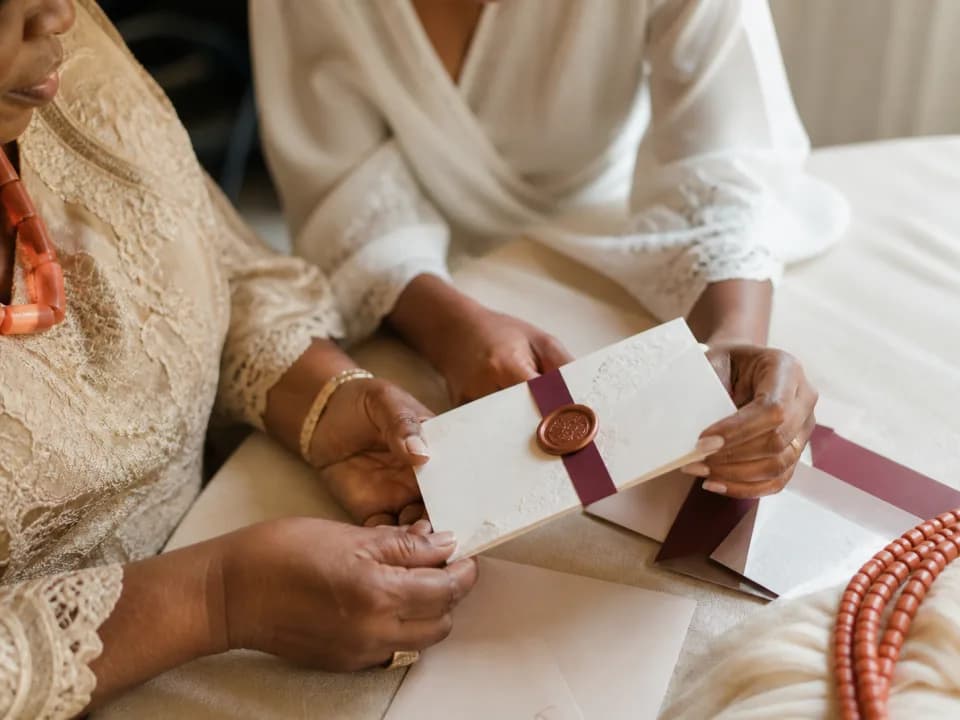
Made for real guest lists
Handle more than a name and a phone number
Weddingly models the invitation around households, companions, children and the ceremonies each person can attend.
- Named guests, children and companion allowances
- Maximum party size for each invitation
- Different access for introduction, ceremony and reception
- Dietary and accessibility details kept private
- Email and WhatsApp-ready invitation sharing
- A QR pass for every attending guest
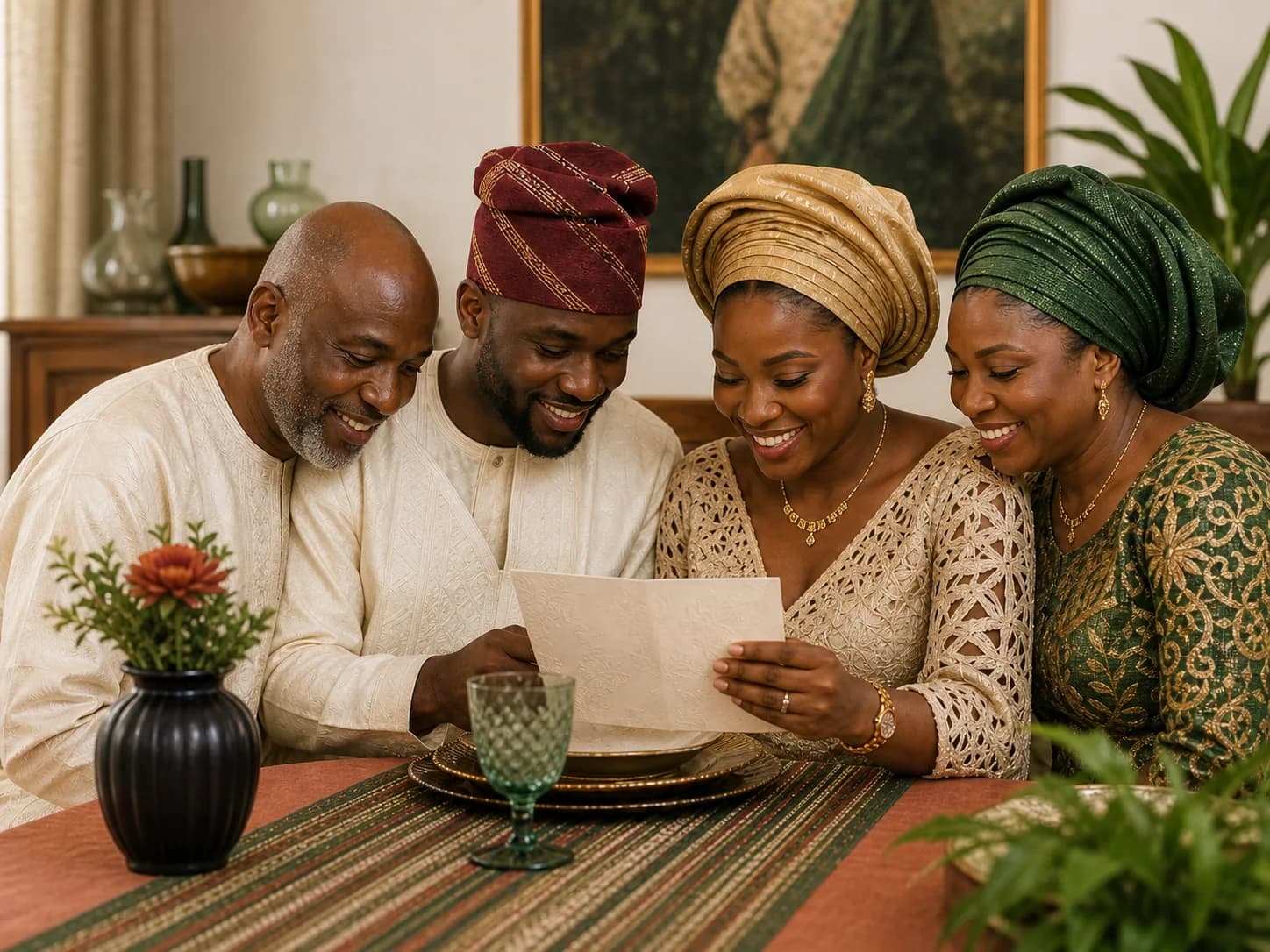
Practical answers
How household invitations work
Understand account-free RSVP, companion limits and ceremony-specific access before preparing the first household invitation.
Do guests need to create an account to RSVP?
No. Each invited household receives a private link that opens the people, companion allowance and ceremonies included for that invitation.
How are partners and additional guests handled?
The couple sets the maximum party size and any unnamed companion allowance for each household. Responses cannot add more people than that invitation permits.
Can one guest attend only part of the wedding?
Yes. Access and RSVP are ceremony-specific, so an invitation can include the introduction, traditional wedding, civil ceremony, reception or another configured ceremony without exposing unrelated details.
From invitation to arrival
A private link guests can return to
Open the invitation
Guests see their household, welcome message and only the ceremonies included for them.
Respond for each person
Record attendance by guest and ceremony, including any permitted companion.
Keep the details close
Return for the venue, arrival guidance and current RSVP information at any time.
Open the pass wallet
Attending guests can find their QR passes and private Photo Booth link for the day.
Begin with your guest list